



3 min readUpdated:

A website needs an owner after launch
Website maintenance is a defined service that keeps important customer journeys working. It covers more than changing text or pressing an update button. Someone must check that key pages load, enquiries reach the right place and the business can recover its data. The appropriate monthly scope depends on the platform, integrations and how critical the website is to day-to-day operations.
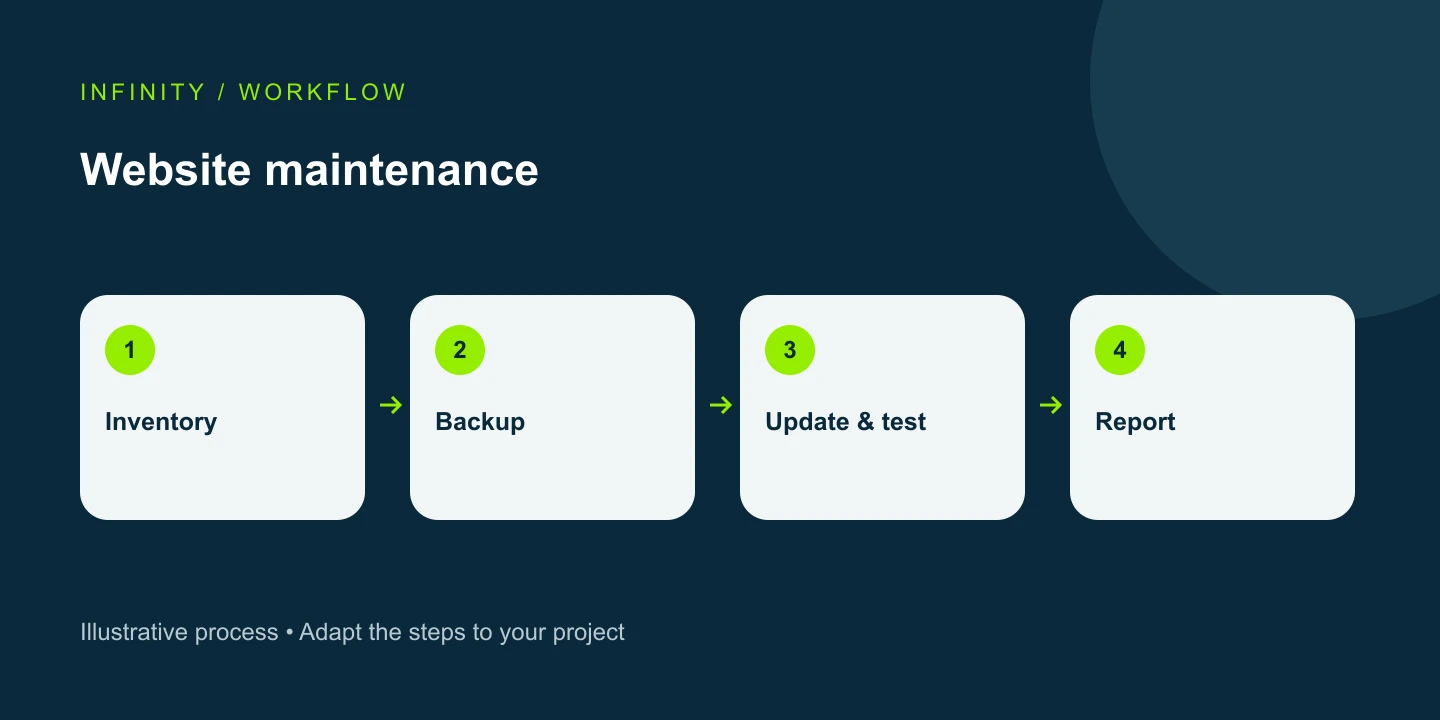
Start with an inventory and responsibilities
List the domain, hosting, CMS, payment service, forms, email provider and analytics accounts. Assign an owner to each. The company should retain ownership of its accounts while a supplier receives the access needed for the work. This makes incident escalation clearer and gives you a practical handover plan if the relationship ends. Record renewal dates and the contact who approves changes.
Treat updates and recovery as one workflow
Check compatibility and prepare a rollback route before an update. WordPress documentation recommends backing up both files and the database first. On other platforms, identify where code, uploaded media and database records live. A successful backup notification alone is not proof of recoverability: periodically restore a copy in a test environment. Set backup frequency according to how often important information changes, rather than choosing the same schedule for every website.
Test the actual customer journey
Monthly, or more often when business needs justify it, walk through the important flows: home page to service, form to CRM record, and order to confirmation. Label test submissions so they do not inflate real lead reports. Tracking a button click does not prove that an enquiry was delivered. Confirm successful receipt, the notification reaching its recipient and a single analytics event separately. Test mobile layouts as well as desktop.
Ask for a useful monthly report
A report should show completed changes, tested journeys, discovered problems and outstanding work. For resource usage, separate database requests, media transfer and third-party quotas. Low visitor numbers do not automatically mean low infrastructure consumption: repeated queries and large responses can still use significant resources. Compare equivalent periods before and after a fix, and state any gaps in the evidence instead of declaring success from a single screenshot.
Separate maintenance from new development
Define updates, monitoring, small content changes, incident diagnosis and backup management in the proposal. A new page design, complex integration or redesign may be a separate project. Hosting, domain renewals and paid software subscriptions should also be itemised. There is no useful universal price for every website. Compare suppliers against the same scope, support hours and response conditions, including what happens when the included allocation is exhausted.
Prepare a brief before requesting a quote
Provide the URL, platform, core functions, examples of current problems and expected change frequency. Explain which failures are critical and who can approve a fix. Distinguish an acknowledgement target from a resolution commitment: they are different promises. Agree where alerts go, how work is documented and how credentials will be handed over securely. An initial inventory often reveals missing access before it becomes an emergency.
Frequently asked questions
Does a small website need maintenance? Yes, although its scope may be modest: forms, domain renewals, security and recovery still matter. Is SEO included? Only when explicitly agreed; technical upkeep is not a complete SEO programme. Can you change suppliers? First establish account ownership, backups and technical documentation, then plan the handover.
Request an estimate for your project
Website maintenance — We define the scope around your business needs. Consultation.
Source: WordPress: Updating WordPress