

3 min readUpdated:
Help visitors choose an apartment
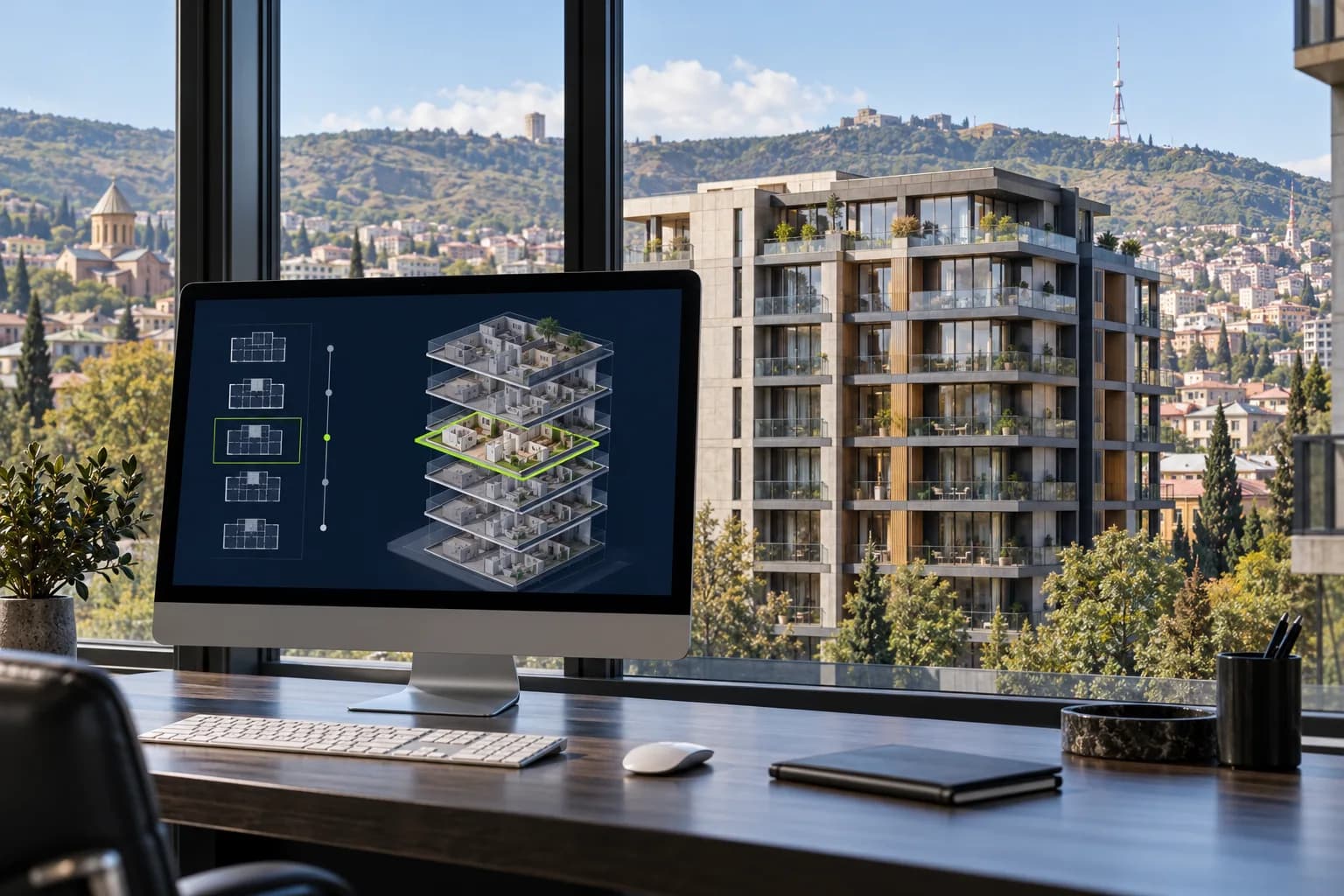
A property developer website needs to do more than display attractive renders. Buyers need the location, construction stage, available apartments and a clear next step. An interactive building is useful when the route from floor selection to viewing a plan and sending an enquiry is understandable. Before design begins, decide which information is authoritative, who maintains it and which system supplies availability statuses.
Start with structured inventory
Create a consistent apartment list: project, building, floor, unit number, area, room count and availability. Connect plans and renders to these records. Mark sold units with text as well as colour, and remove misleading actions. If updates are periodic, explain that final availability is confirmed by the sales team. Demonstration inventory must be identified as illustrative, rather than presented as real stock. A beautiful interface cannot compensate for unreliable data.
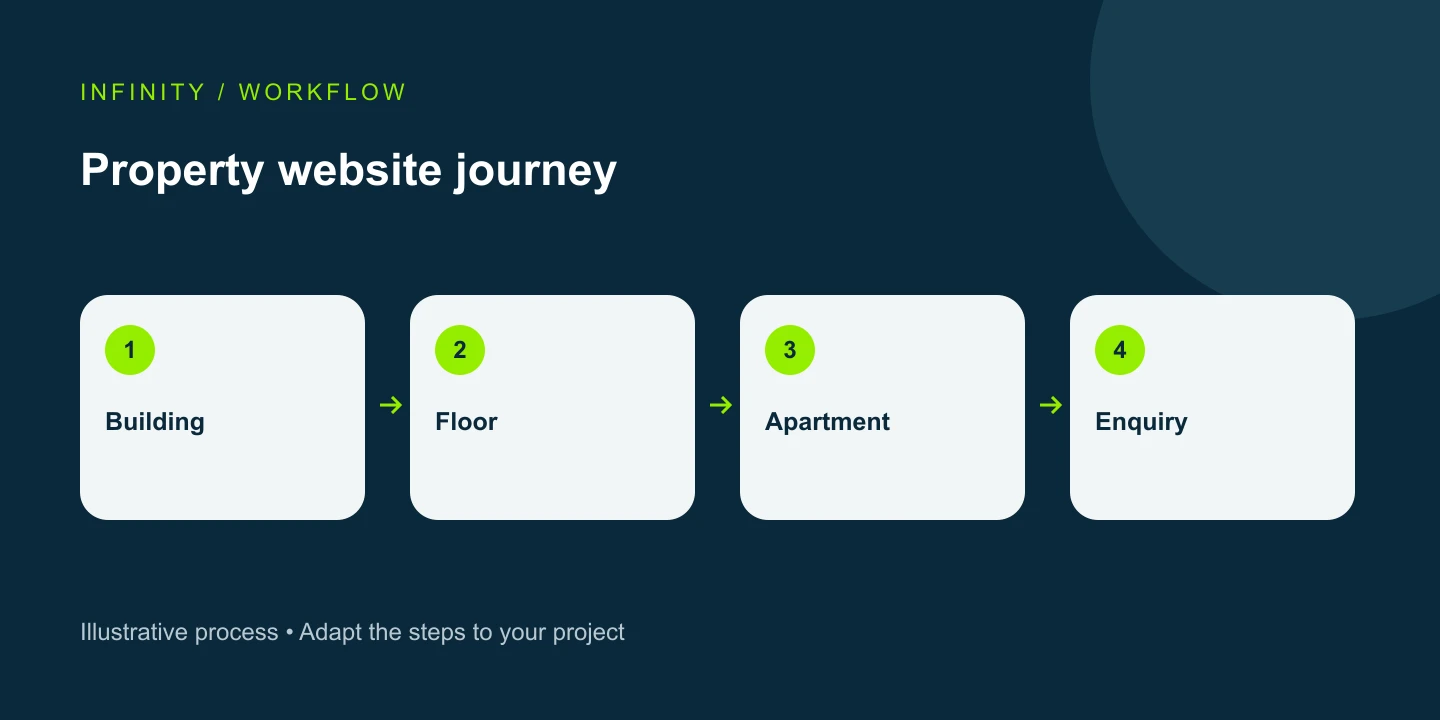
From building to floor plan to apartment
On desktop, pointer movement can highlight a floor, while a click confirms the selection. Apartment outlines on the floor plan should match the actual unit boundaries. Selecting an available apartment should reveal its plan, area and enquiry action. A back control should preserve the previous context. A shared illustrative floor plan can explain a prototype, but a live development needs accurate information for each unit.
Mobile needs more than hover effects
Phone users select by touch. Provide a visible floor list or clear controls, comfortably sized targets and a text alternative. Allow users to inspect the plan without getting trapped in an overlay. Keyboard access, meaningful labels and reduced-motion support help more people use the tool. Decorative motion must not delay apartment selection. Test the flow on narrow screens with long translated labels, not just a single desktop viewport.
Fast media and discoverable content
Prepare building images, floor plans and apartment renders at suitable sizes. Load heavy media when required and keep the first view lean. Important descriptions, location details and navigation should not exist only inside images. Google’s JavaScript SEO guidance distinguishes crawling, rendering and indexing: the content shown to users must also be accessible to search engines. An animated selector alone does not guarantee rankings; clear pages and links still matter.
Connect the form to an actual enquiry
Carry the selected project, floor and unit into the enquiry form so visitors do not have to re-enter them. Request only necessary contact information and explain the next step. Show success after the submission has actually been accepted. A page view, floor selection or WhatsApp click indicates interest, but is not a completed enquiry. Analytics and CRM records need consistent definitions so marketing reports do not confuse exploration with leads.
What to test before launch
Check every floor, sold-unit behaviour, plan accuracy, mobile back navigation and form errors. For a test enquiry, compare the website response, CRM record and analytics event. Assign responsibility for inventory updates and define what happens if an integration is unavailable. INFINITY’s construction-sector page offers an interactive demonstration of the idea; a production implementation is planned around the specific development’s data and sales process.
Frequently asked questions
Is a full 3D configurator essential? No. A high-quality render with accurately mapped plans is often enough for an initial version. Can it connect to CRM? Yes, where data, access and integration capabilities are agreed. What determines cost? Project and unit counts, asset readiness, languages, functionality and integrations define the scope for an individual estimate.
Request an estimate for your project
Website development — We define the scope around your business needs. Consultation.
Explore our construction-sector services and interactive demo.