

3 min readUpdated:
An enquiry is the start of a sales process
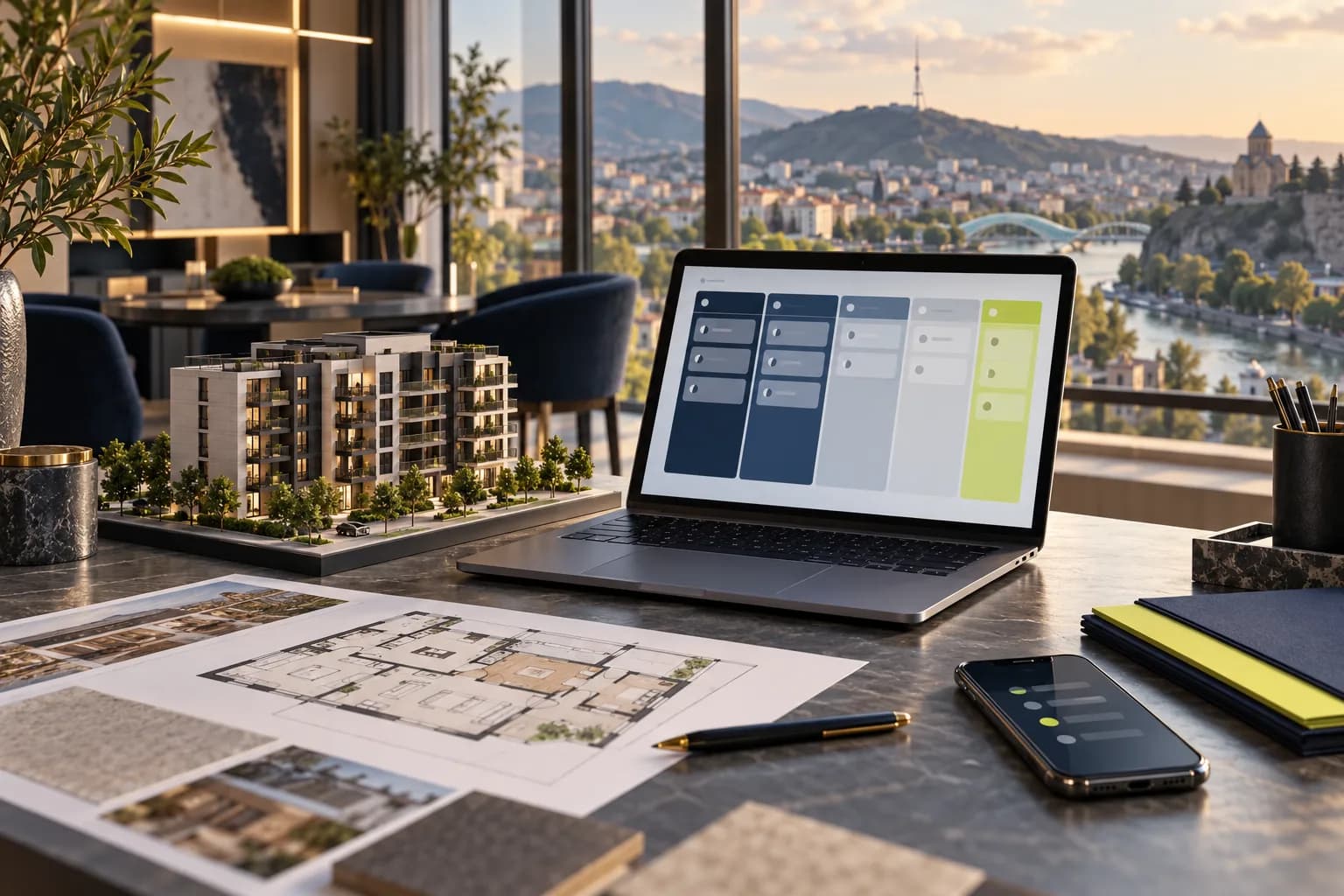
Property enquiries can arrive through a website, advertising, phone calls or WhatsApp. When information remains in separate spreadsheets and conversations, it is difficult to see who received a response and what should happen next. CRM connects the contact, preferred apartment and responsible salesperson in a consistent process. Define that process before choosing software; a tool cannot resolve conflicting definitions on its own.
Decide which information is necessary
Initially capture contact details, source, project, subject of interest and owner. Budget, preferred area, room count and purchase timeframe can be clarified during a conversation. Making every field mandatory can burden the enquiry form. Agree what constitutes a new enquiry, how duplicates are identified and how a returning contact’s new interest is recorded without losing earlier communication. Keep the structure practical for the people who will use it daily.
Give every stage a clear meaning
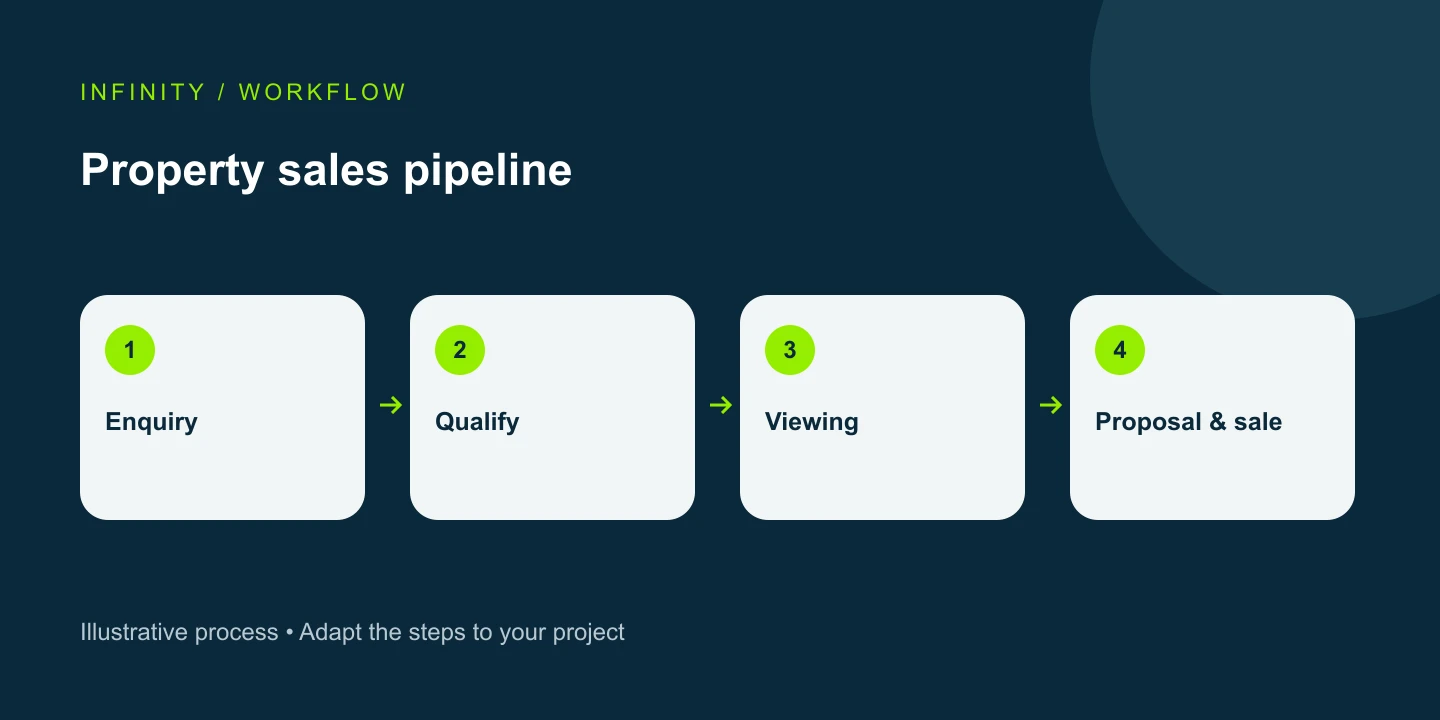
An illustrative pipeline might contain new enquiry, contacted, needs qualified, viewing, proposal and completed transaction. Each stage needs an entry criterion and a next action. A scheduled viewing is different from an attended viewing. Define lost-enquiry reasons as well. More columns do not automatically improve management: the team should interpret each status consistently, and a transaction should not be marked complete simply because a proposal was sent.
Assign an owner and next action
Every active enquiry should have a salesperson and a follow-up date. Reminders should correspond to real tasks: responding to an unanswered enquiry, making an agreed call or discussing a proposal. Plan handovers for holidays and staff changes. Managers need visibility into overdue tasks and workload, while team access should be limited to the information their roles require. Review permissions when responsibilities change.
Connect channels and inventory carefully
Carry project and apartment identifiers from website forms and preserve source information using an agreed rule. Automatic WhatsApp and call integrations depend on the selected platform and its capabilities; adding a website button is not an integration. Establish one authoritative source for apartment availability so the website and CRM do not contradict each other. Restrict confirmation of a sold status to authorised staff and define how updates are synchronised.
Measure leads, meetings and transactions separately
Track accepted enquiries, qualified contacts, scheduled and attended meetings, proposals and completed deals. Do not count a page view or click as a lead. Separate duplicates and test records. When comparing sources, remember that the same person may contact the business through several channels and some origins may remain unknown. Make those limitations visible in reports rather than assuming the system provides perfect attribution automatically.
Start with a controlled rollout
Document the current workflow and choose one pilot project or team. Define fields, statuses, permissions, import rules and reports. Use a small data set to test duplicate handling, form receipt and owner assignment. Train the team before expanding use. Align retention periods and removal of access with company policies. Activate automation after the underlying process has been tested, and keep a clear owner for monitoring integration failures.
Frequently asked questions
Is a custom CRM necessary? No. An existing product may be enough if it fits the workflow. Can an old database be migrated? First assess quality, duplicates and field mapping. What determines the budget? User count, licences, integrations, migration, configuration and training. These components should be itemised so the company can distinguish implementation work from recurring subscriptions.
Request an estimate for your project
CRM implementation — We define the scope around your business needs. Consultation.
Explore our construction-sector services and interactive demo.